> ## Documentation Index
> Fetch the complete documentation index at: https://docs.aptlystar.ai/llms.txt
> Use this file to discover all available pages before exploring further.
# Customer List
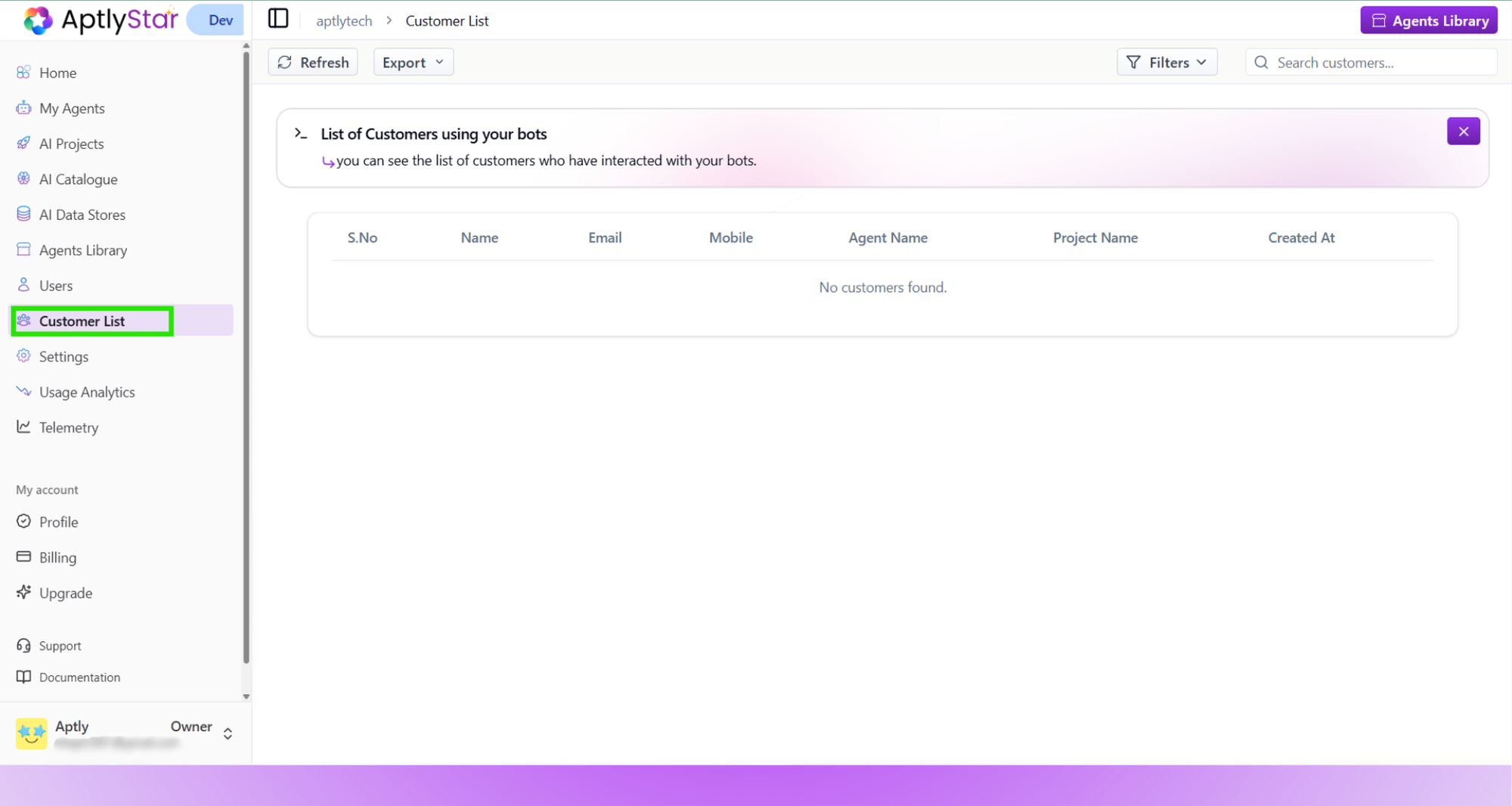
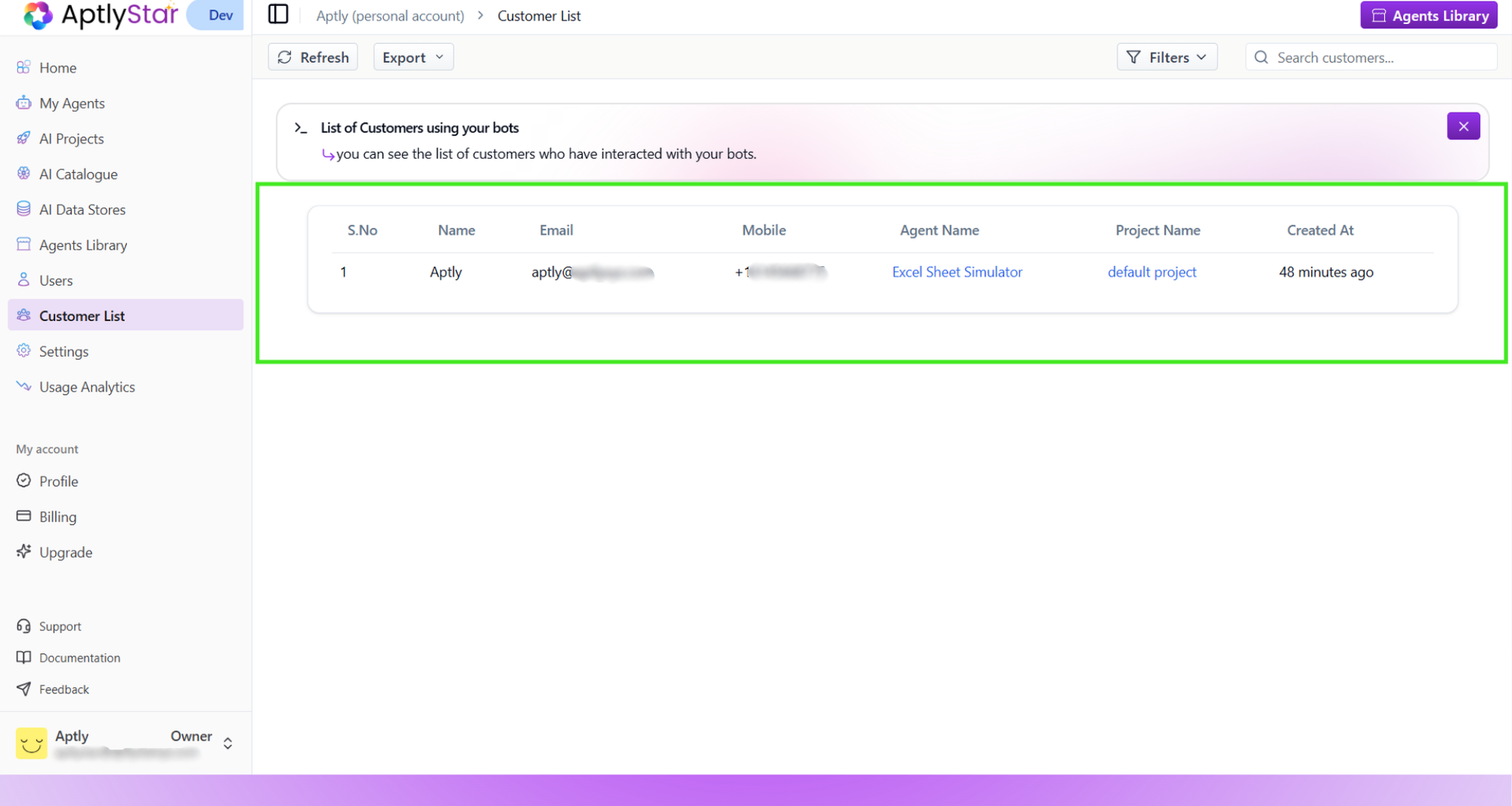
The **Customer List** section provides a centralized view of all end-users who have interacted with your agents. It’s designed to help you keep track of customers across projects and agents, complete with key identifiers and timestamps.
***
## 👥 What You Can Track
This table helps you manage and review the following fields:
| Column | Description |
| -------------- | ------------------------------------------------------- |
| **Name** | Customer’s full name (if available) |
| **Email** | Email used to start the agent interaction |
| **Mobile** | Contact number, if captured |
| **Project ID** | Associated project under which the agent was created |
| **Agent Name** | The name of the agent the user interacted with |
| **Agent ID** | Internal unique identifier for the agent |
| **Created At** | Timestamp showing when the user was added to the system |
 ***
## 📤 Export Customer Details
You can now **export the entire customer list** for analysis, reporting, or CRM import.
Click the **Export** button at the top of the page to download all customer records in `.csv` format.
***
## 📤 Export Customer Details
You can now **export the entire customer list** for analysis, reporting, or CRM import.
Click the **Export** button at the top of the page to download all customer records in `.csv` format.
 ### Key Highlights
* Exports all visible customer details (Name, Email, Mobile, Agent, Project, Created At).
* Downloadable in `.csv` format for quick sharing or integration.
* Useful for marketing teams, CRM updates, and performance analysis.
> 💡 Export helps you maintain offline records and simplifies syncing customer data with other internal tools.
***
## 🔍 Why Use the Customer List?
Use this page to:
* **Audit interactions** across agents and projects
* **Support ticket resolution** with user-level detail
* **Review usage per customer** for personalization or CRM sync
* **Cross-check users** tied to specific agent sessions
> Note: The customer list auto-populates as users engage with agents. No manual entry is required.
***
## 🔐 Data Privacy Considerations
This section respects the privacy rules and security protocols in place:
* Only owners and admins can access this data
* Sensitive data (e.g., email, phone) is never shown publicly or stored without consent
* You can integrate this list with your internal systems using API access (coming soon)
***
### Key Highlights
* Exports all visible customer details (Name, Email, Mobile, Agent, Project, Created At).
* Downloadable in `.csv` format for quick sharing or integration.
* Useful for marketing teams, CRM updates, and performance analysis.
> 💡 Export helps you maintain offline records and simplifies syncing customer data with other internal tools.
***
## 🔍 Why Use the Customer List?
Use this page to:
* **Audit interactions** across agents and projects
* **Support ticket resolution** with user-level detail
* **Review usage per customer** for personalization or CRM sync
* **Cross-check users** tied to specific agent sessions
> Note: The customer list auto-populates as users engage with agents. No manual entry is required.
***
## 🔐 Data Privacy Considerations
This section respects the privacy rules and security protocols in place:
* Only owners and admins can access this data
* Sensitive data (e.g., email, phone) is never shown publicly or stored without consent
* You can integrate this list with your internal systems using API access (coming soon)
***