> ## Documentation Index
> Fetch the complete documentation index at: https://docs.aptlystar.ai/llms.txt
> Use this file to discover all available pages before exploring further.

# Introduction

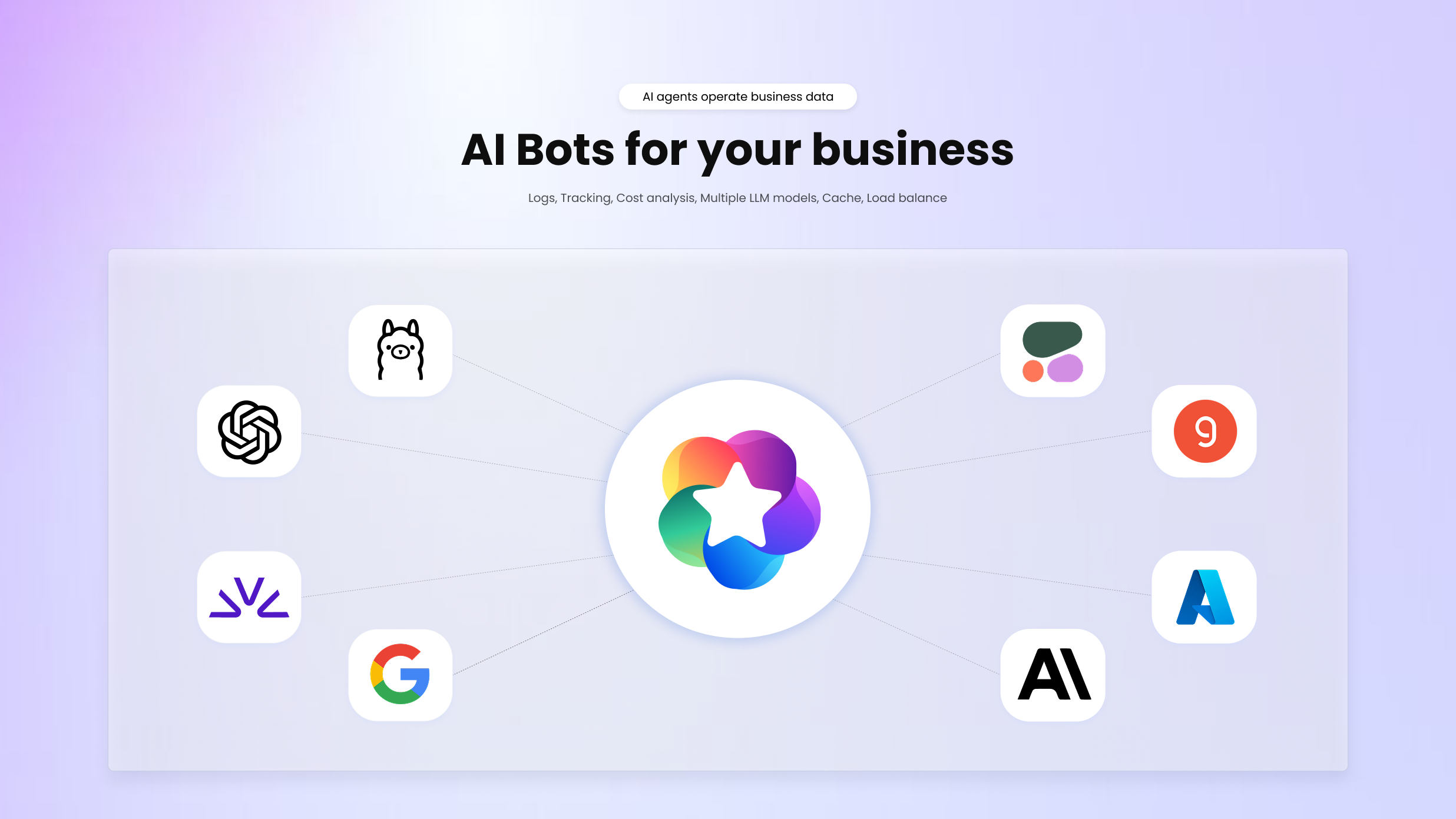
> Welcome to the AptlyStar.ai Documentation Portal. 
Navigate through detailed guides and resources to make the most of our platform.

<div style={{ textAlign: "center" }}>
  <Frame caption="Welcome to AptlyStar.ai">
    <img className="block dark:hidden mx-auto" src="https://mintcdn.com/aptlytechnologies/FxdujVobRVfs-_Ta/images/Introduction.png?fit=max&auto=format&n=FxdujVobRVfs-_Ta&q=85&s=d7e5374aa32a975a8f27e229c8a2c05e" alt="Hero Light" style={{ maxWidth: "100%", borderRadius: "12px" }} width="2472" height="1391" data-path="images/Introduction.png" />

    <img className="hidden dark:block mx-auto" src="https://mintcdn.com/aptlytechnologies/FxdujVobRVfs-_Ta/images/Introduction.png?fit=max&auto=format&n=FxdujVobRVfs-_Ta&q=85&s=d7e5374aa32a975a8f27e229c8a2c05e" alt="Hero Dark" style={{ maxWidth: "100%", borderRadius: "12px" }} width="2472" height="1391" data-path="images/Introduction.png" />
  </Frame>

  <h2 className="text-2xl font-semibold my-6">Get Started with AptlyStar.ai</h2>

  <p className="mb-8 text-base max-w-xl mx-auto">
    Explore core areas of the AptlyStar platform — from building AI agents to customizing them with data and styling. Each guide walks you through setup and optimization.
  </p>
</div>

<div className="grid grid-cols-1 md:grid-cols-2 gap-6 max-w-5xl mx-auto">
  <Card href="/howtocreateaiagent" arrow={true}>
    <img src="https://mintcdn.com/aptlytechnologies/UkbTgxaKdDIfw3X1/images/botconsole/card1.png?fit=max&auto=format&n=UkbTgxaKdDIfw3X1&q=85&s=cfe210f34b1fe3ade501a1a9f3f389f6" alt="Create Agent" style={{ objectFit: "contain", display: "block", margin: "0 auto" }} width="366" height="256" data-path="images/botconsole/card1.png" />

    <p style={{ marginTop: "12px", fontWeight: "600", textAlign: "center" }}>
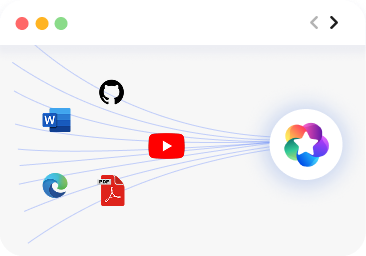
      Quickstart to Create AI Agent
    </p>

    Deploy your first AI agent with a simple step-by-step guide.
  </Card>

  <Card href="/data-stores-console/data-sources" arrow={true}>
    <img src="https://mintcdn.com/aptlytechnologies/wP14cjki7i1Syext/images/botconsole/traindata.png?fit=max&auto=format&n=wP14cjki7i1Syext&q=85&s=bba31603f79c37b52cfa952b02e4d366" alt="Train Data" style={{objectFit: "contain", display: "block", margin: "0 auto" }} width="366" height="256" data-path="images/botconsole/traindata.png" />

    <p style={{ marginTop: "12px", fontWeight: "600", textAlign: "center" }}>
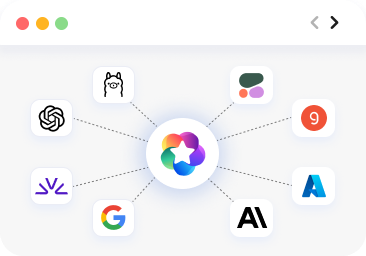
      Train with Your Data
    </p>

    Feed your agent with PDFs, websites, and APIs to create context-aware conversations.
  </Card>

  <Card href="/ai-bots-console/settings" arrow={true}>
    <img src="https://mintcdn.com/aptlytechnologies/UkbTgxaKdDIfw3X1/images/botconsole/card2.png?fit=max&auto=format&n=UkbTgxaKdDIfw3X1&q=85&s=f43299eb61943ba6c5a60a8f58d28ad9" alt="Model Settings" style={{objectFit: "contain", display: "block", margin: "0 auto" }} width="366" height="256" data-path="images/botconsole/card2.png" />

    <p style={{ marginTop: "12px", fontWeight: "600", textAlign: "center" }}>
      AI Model Configuration
    </p>

    Set your chat model, embedding strategy, and tune precision.
  </Card>

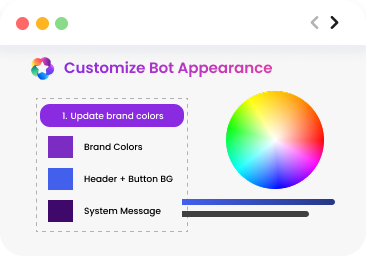
  <Card href="/ai-bots-console/look" arrow={true}>
    <img src="https://mintcdn.com/aptlytechnologies/UkbTgxaKdDIfw3X1/images/botconsole/card4.png?fit=max&auto=format&n=UkbTgxaKdDIfw3X1&q=85&s=d19c45790f38e83573bef7e967235af5" alt="Agent Styling" style={{objectFit: "contain", display: "block", margin: "0 auto" }} width="366" height="256" data-path="images/botconsole/card4.png" />

    <p style={{ marginTop: "12px", fontWeight: "600", textAlign: "center" }}>
      Agent Styling & Integration
    </p>

    Customize appearance and easily embed into your website.
  </Card>
</div>
